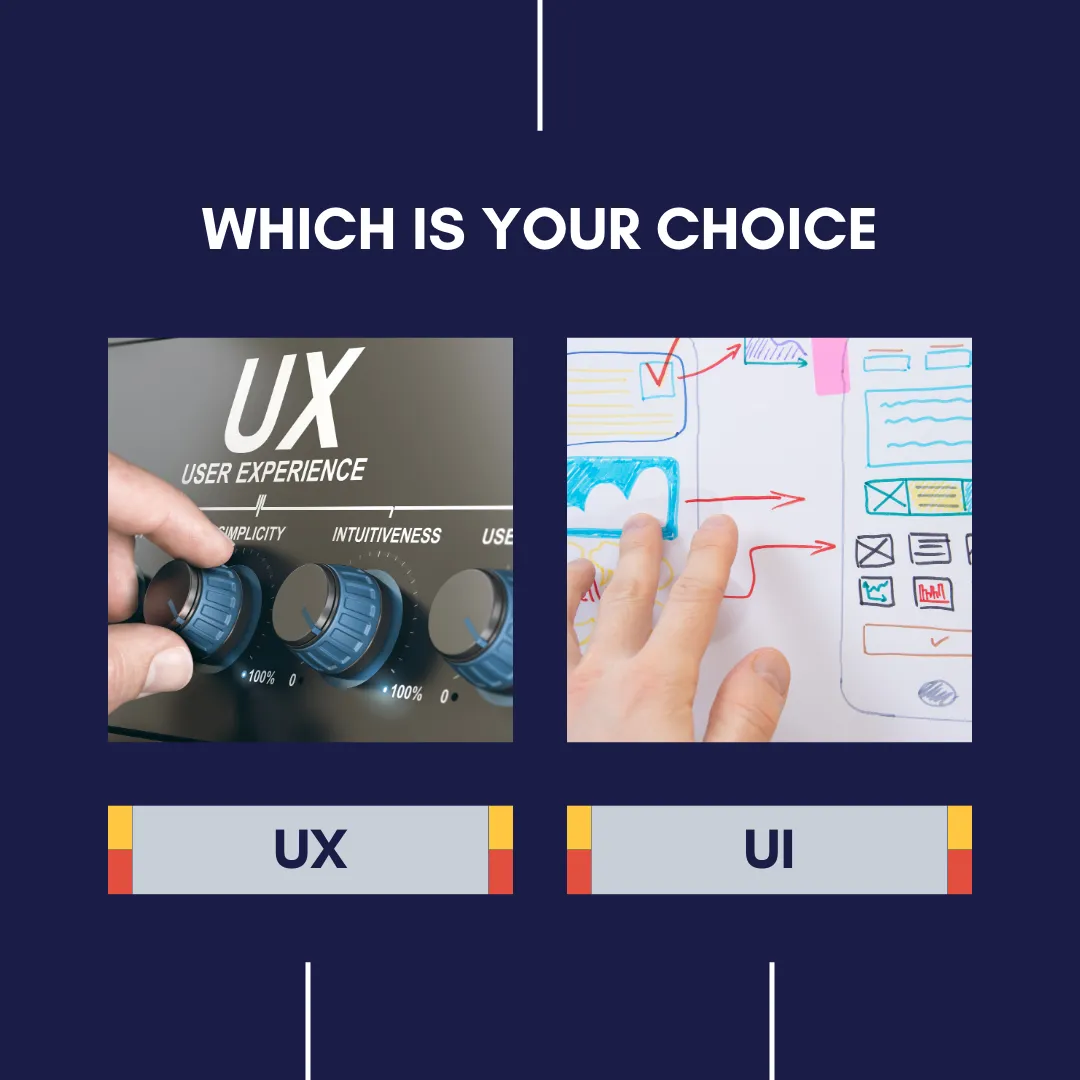
Have you ever had this question: What does UX & UI actually mean?
People often tend to use these short forms interchangeably. Well, they shouldn’t! Though they are interconnected and work closely with each other, one needs to understand some basic differences.
Well, it is simple, yet it confuses a lot of us… Why is that so?
When you say UX, it means User eXperience.
When you say UI, it means User Interface.
UX design, or user experience design, is about designing the whole experience, and UI design, or user interface design, is about the aesthetic experience.
Let me give you a tangible example Think about a mobile app that you use every day. A UX designer has helped decide what features, texts, ideas, and things would be in that product. However, how they work and how the user would want to feel while navigating will be taken care of by the UI designer. (The design of buttons, different simulations, etc)

But why do we need it? & where do we use it?
To have an exceptional user experience, from the visual aspect to the navigation, UX & UI need to be originated.
Key needs:
1. User Satisfaction
2. Increased Engagement
3. Competitive Advantage
4. Accessibility
Let’s suppose you’re feeling frustrated while going through the phone screen searching for menus, and some specific functions, so here we find the need for UX & UI.
In our daily lives, we often say user interface words but never get into a deeper understanding. It means the app or web has a smooth, easy-to-handle, easy-to-locate, and easy-to-navigate interface.
Where do we use UX AND UI? Tasks involved in both?
Like I said, everywhere, from your mobile phone, and websites to physical products.
You must have seen the following examples around you:

Idea (UX): People with a disability use the voice control feature to interact with the device using their voice.
Execution(UI): Making voice control features feasible to use.

Idea (UX): Some ATMs have Braille keyboards or tactile buttons to assist users with visual impairments.
Execution (UI): How to design buttons, Font style, size, and location

Idea (UX): Public vehicles should have ramps or elevators to accommodate wheelchair users.
Execution (UI): The chair design, style, color, aesthetic
Look at the key components used in both:


If you’re still confused about the difference,
Let’s understand with the example of Spotify what UX & UI designers do.

UX designers analyzed, did research about people, understood their customers’ expectations, & decided to provide features like a popular artist carousel, an album carousel, a playlist creation button on the left, and a language selection button at the bottom that are engaging and enjoyable.
UI designers decided to execute. Square, round-shaped icon, colour palette: green, black, and white. When the song is playing, turn it in green. Create a playlist button easily accessible and easy to use. Number of songs, artists in one line, space between items, etc.
